
Greetings! We are happy to announce the availability of MySword 17.0.1 for download. MySword 17.0.1 is just a bugfix which fixed 7 bugs due to Material 3 Theme which included Non-Compact mode menu long tap or the 3 dots at the end of a verse crashing.
Please go to the Download MySword page.
Bugs Fixed in Version 17.0.1
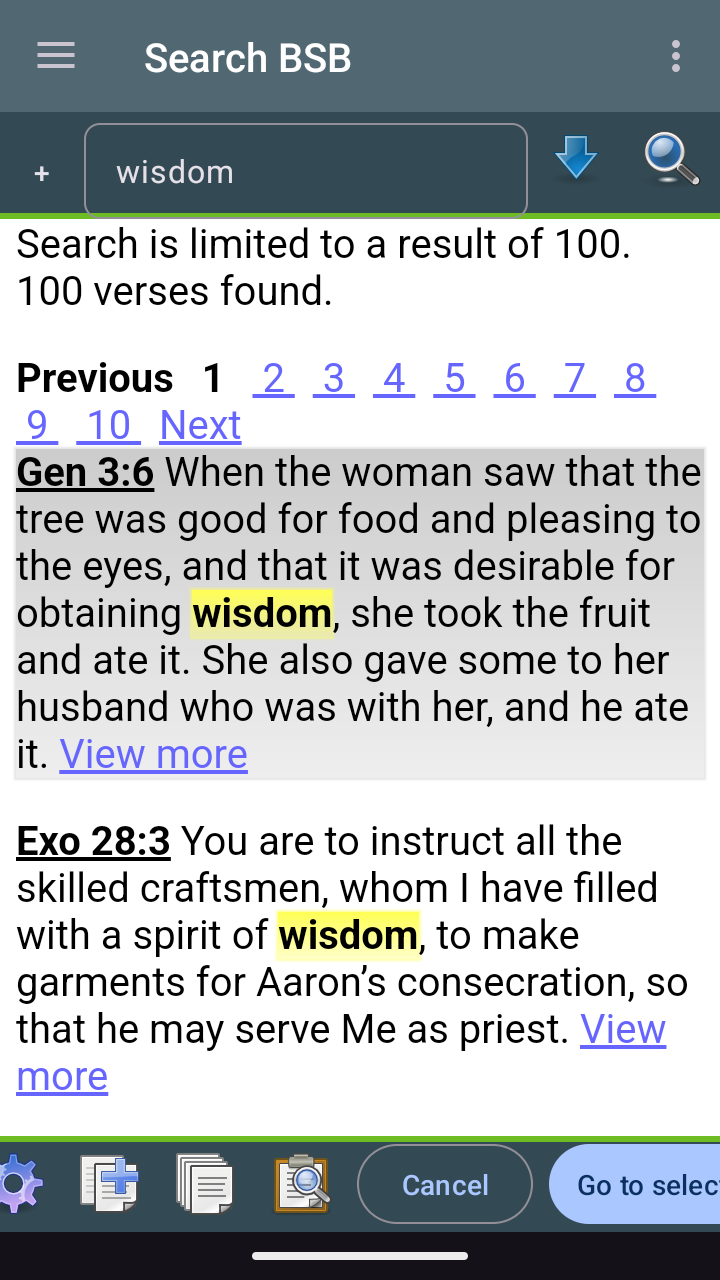
- Search x button to clear search keywords is missing in Material 3.
- The toolbar of the Editor in Split mode only spans the left pane.
- Editor's Popup notes dialog no longer have Use Full Editor option.
- Non-Compact mode menu (3 dot) link at the end of each verse causes a crash.
- Material 3 theme full screen is not fully immersive.
- Non-Material 3 theme Popups are slender/narrow unlike before or in Material 3.
- Material 3 theme Find and Editor's Find/Replace's text input is cropped at the top.
What's new in Version 17.0
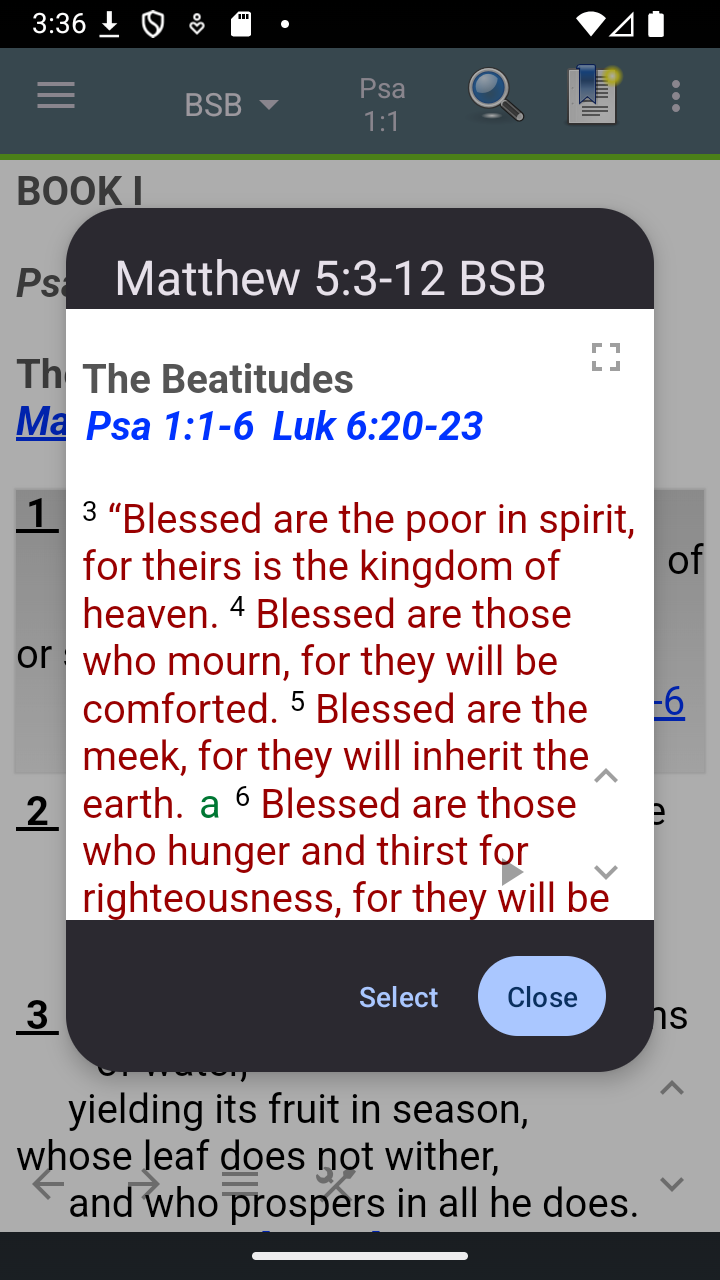
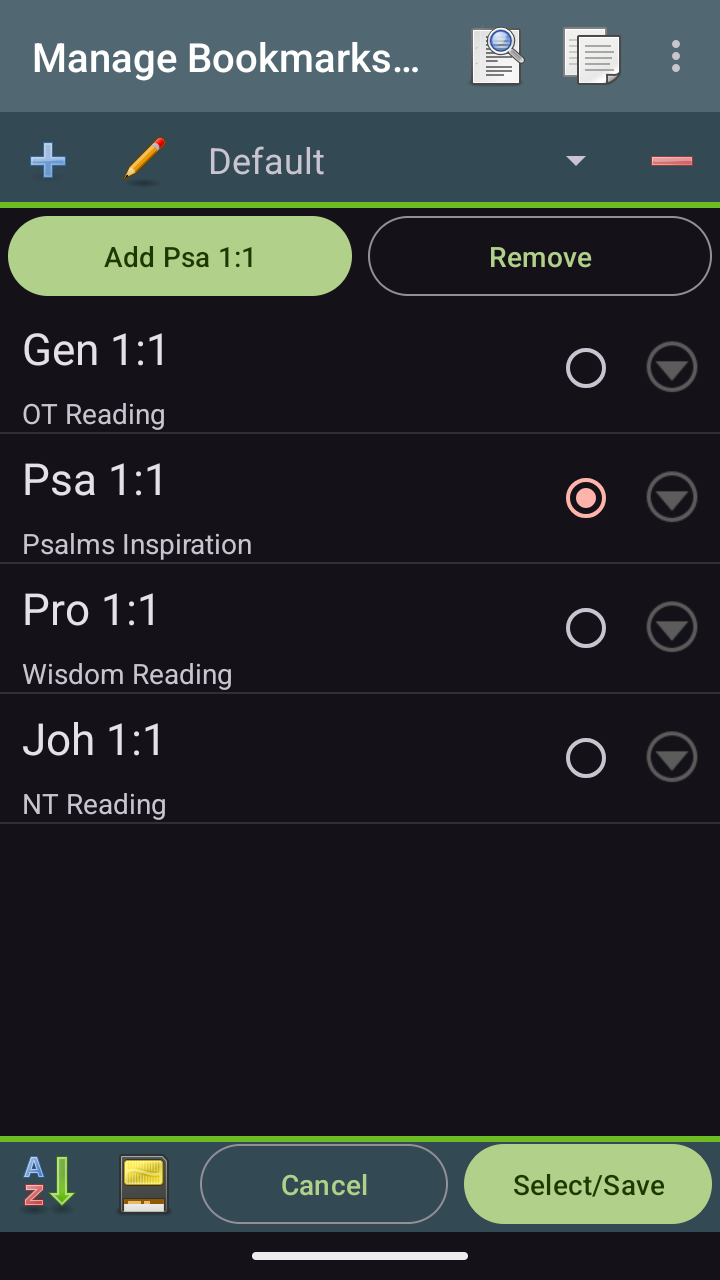
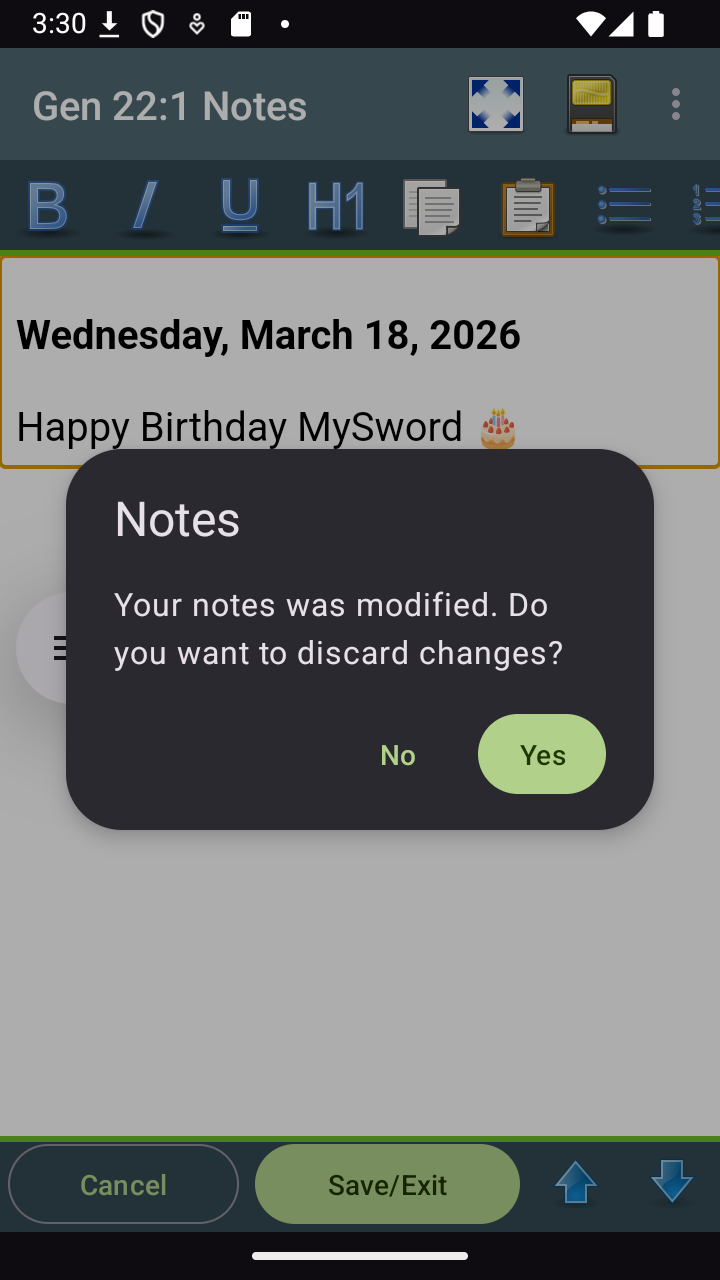
- New Android Themes: Dark/Light Material 3 Theme. Note that in dialogs and some screens, the placement of Cancel and OK/Save/Select are swapped so that the Cancel is usually on the left instead of the right in compliance with Android guidelines.
- Preference Full justification is changed from checkbox into list selection with the items: None, Automatic, Inter-word, Inter-character. The default is Inter-character which now happens to be supported by Chrome/Web View v.145 and higher. Note however, that the support is still a little buggy for Inter-character as the last word may not still be fully flushed to the right in some lines unlike Inter-word or Automatic.
Bug Fixed in Version 17.0
- Editor's Select Picture's Add dialog crops long description and id.
We are making MySword better. Thank you for your feedback.
Enjoy using MySword!